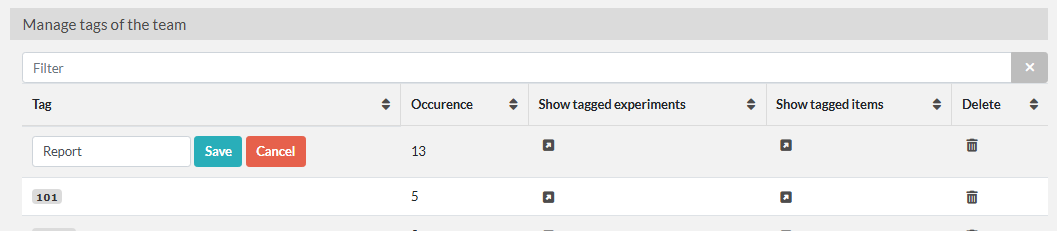
Tag Manager
Admins can access the Tag Manager under the Admin Menu in order to manage tags throughout the team.
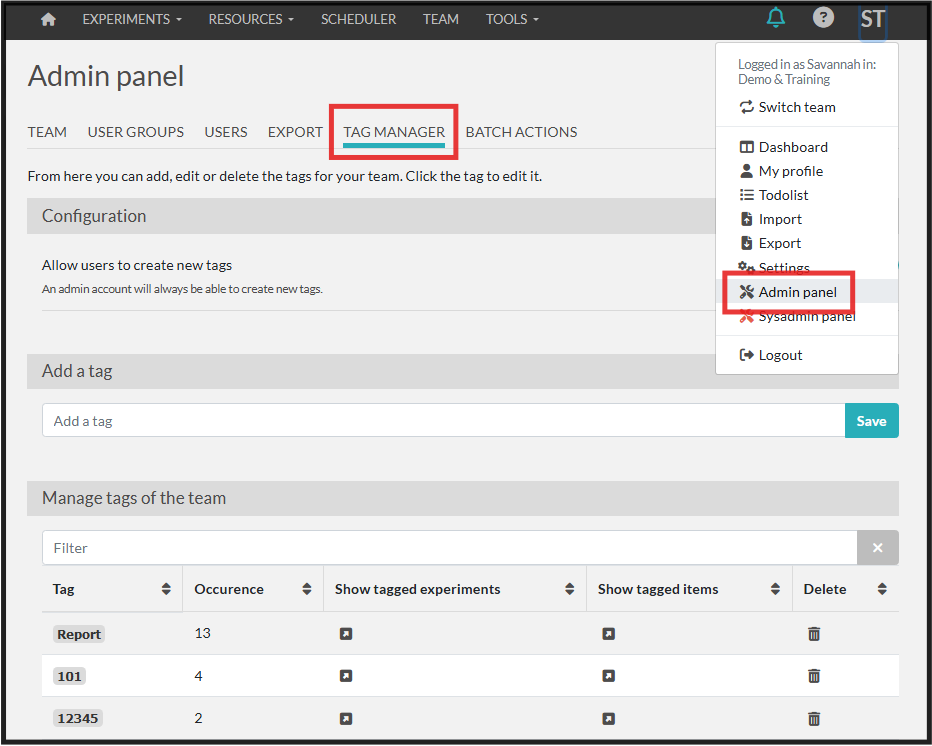
You can toggle on/off the setting for users to create new tags. If off, users can choose from tags already created and admins can create new tags.