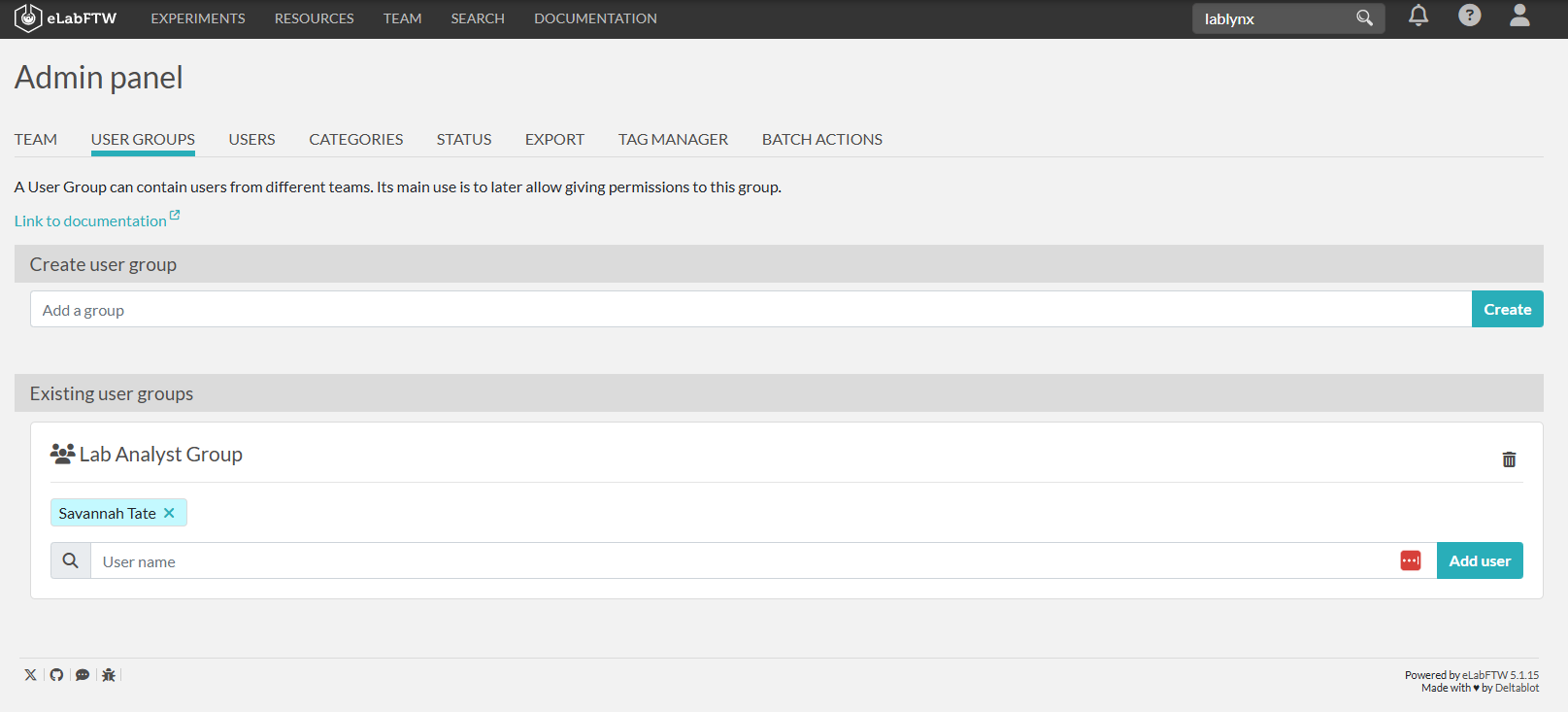
User Groups*
Permissions can be set for individual Users as well as User Groups. This page details the management of User Groups for Admins. Sysadmins have additional user management abilities.
To view and manage your User Groups:
Click on the person icon in the top right corner and select Admin Panel.
Go to the Users Groups tab to see your User Groups and add Users to a User Group.
- You can add new User Groups by typing in the Use Group Name and clicking create.
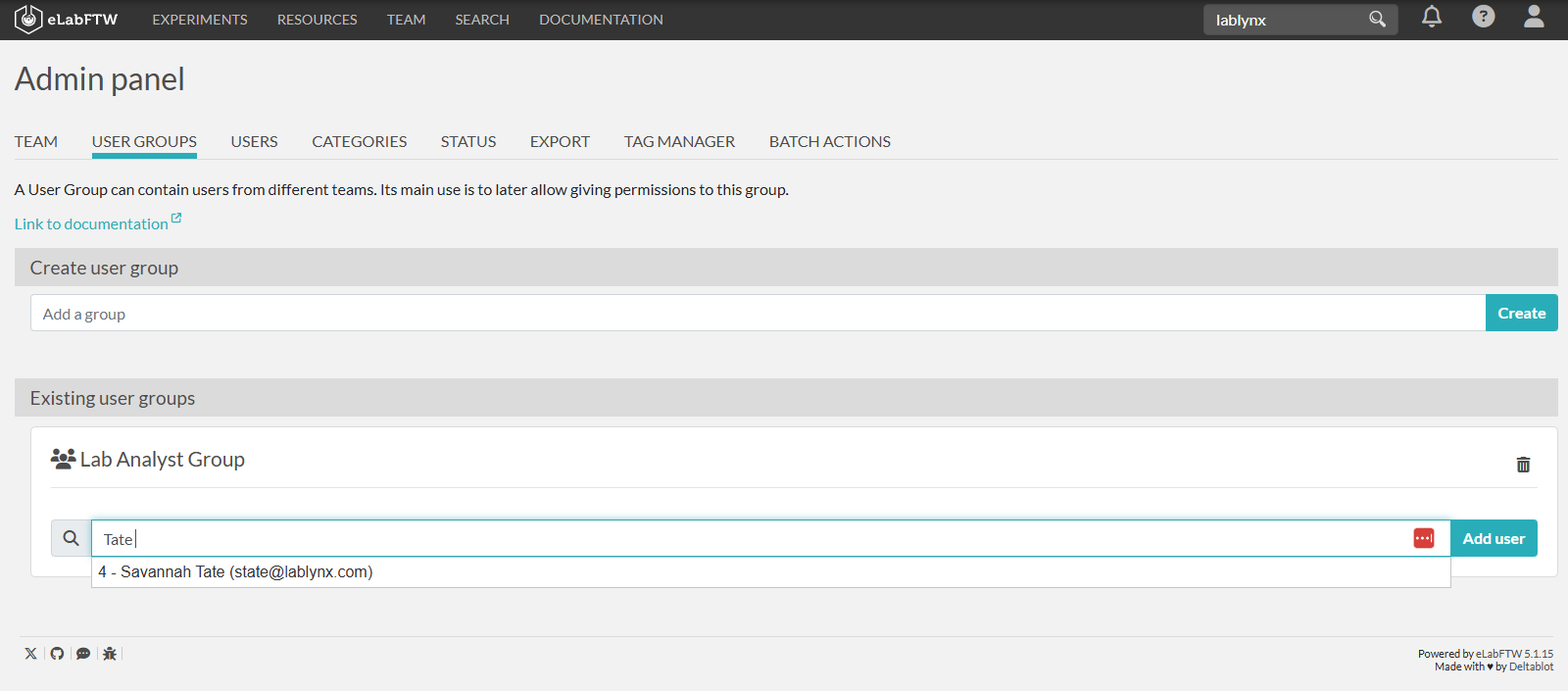
- You can add Users to a User Group by searching for the user and clicking Add User.