
Create & Edit Experiment
You can create a new experiment by starting from a template or a category.
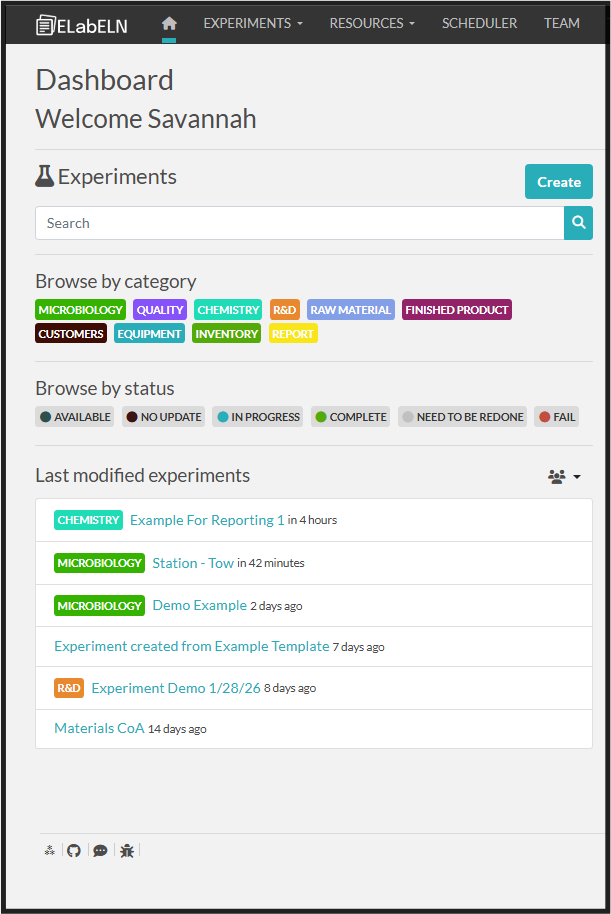
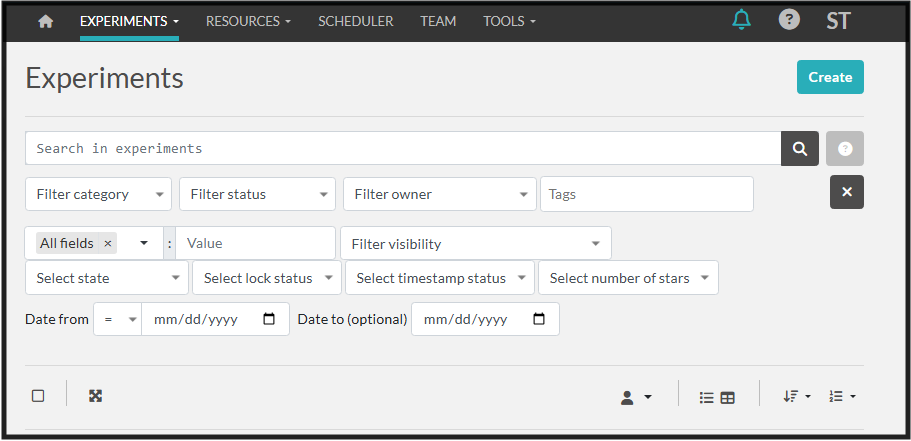
Start by clicking "Create" next to the Experiments on the Dashboard or on the Experiments list screen.
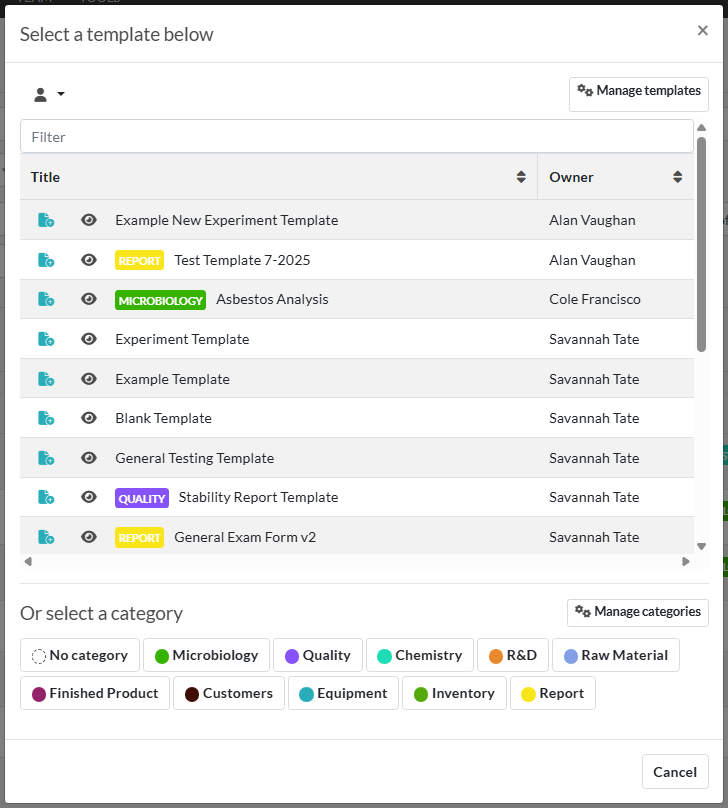
2. Choose a Template or a Category to create your experiment.
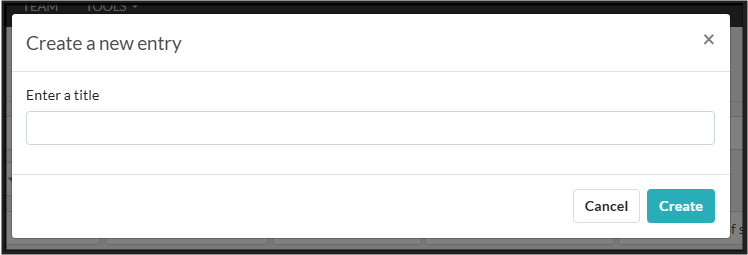
3. Type the Experiment Title or Edit the Template Title
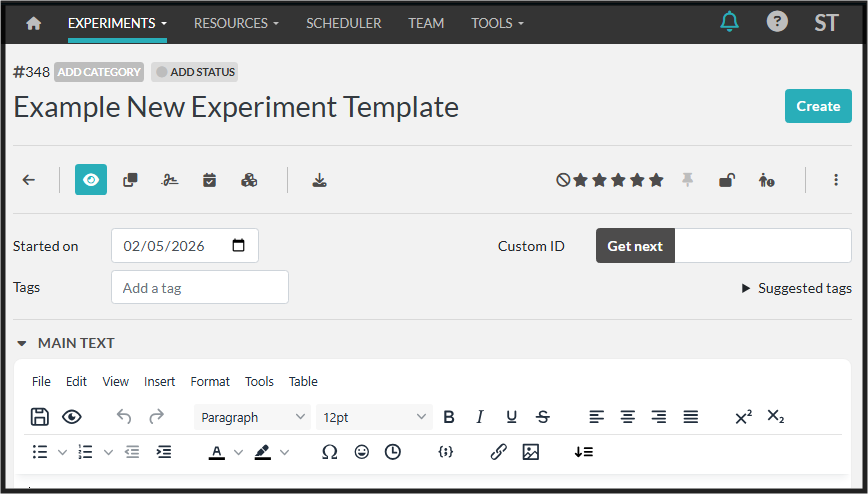
4. Start editing and logging for experiment data!